Observatory is not in the execution path
Agents call their tools and models directly. Observatory receives telemetry about that work. It does not run the mission or route its calls.

Tracston · Interactive lab
Follow one request through agents, models, tools and approvals. Find what it cost, where it waited, which policy it met, and whether the result held up.
Four investigations inside: CostLatencyPolicyOutcome
No sign-up. Fictional missions run in your browser; nothing touches real systems.
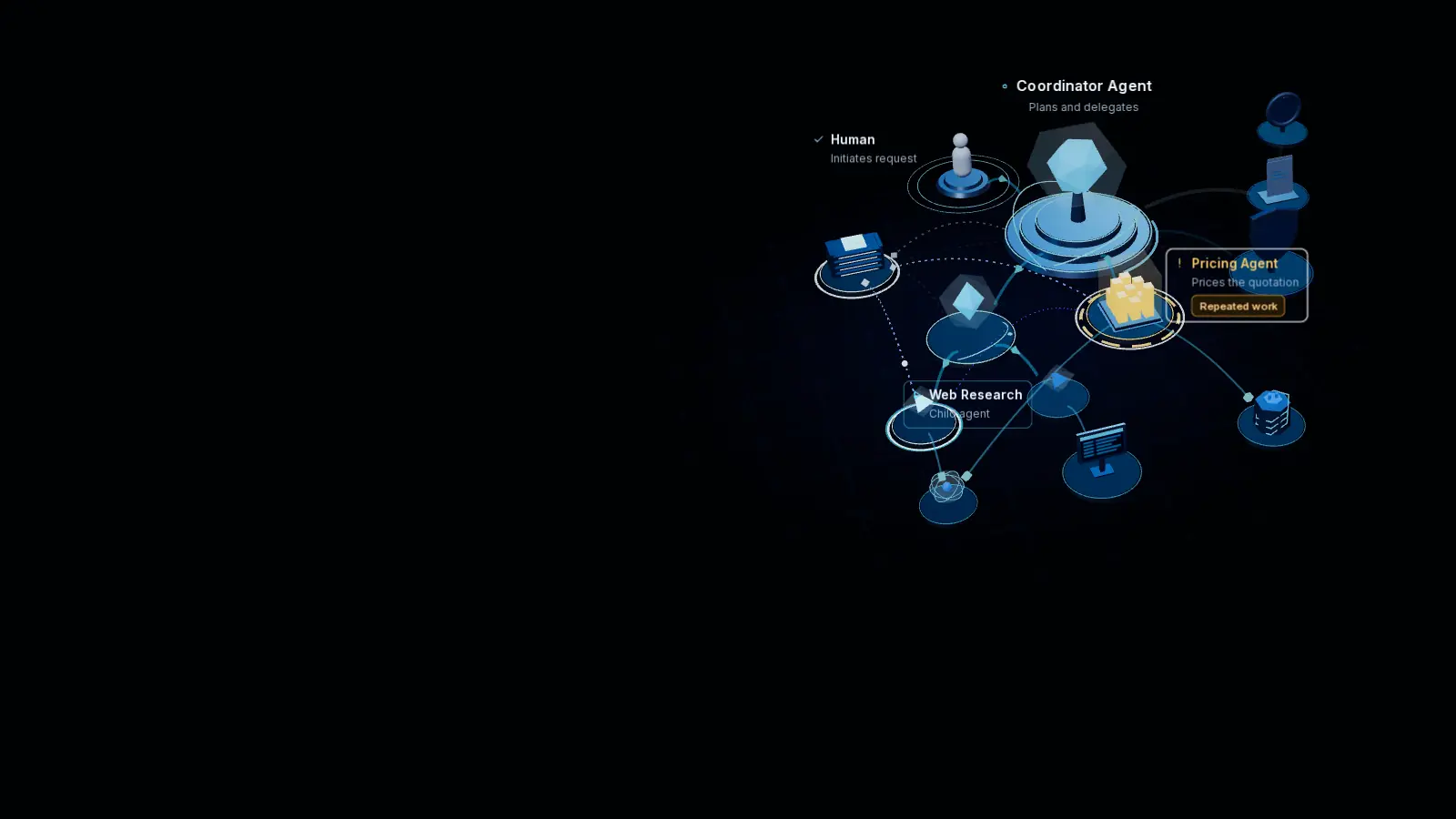
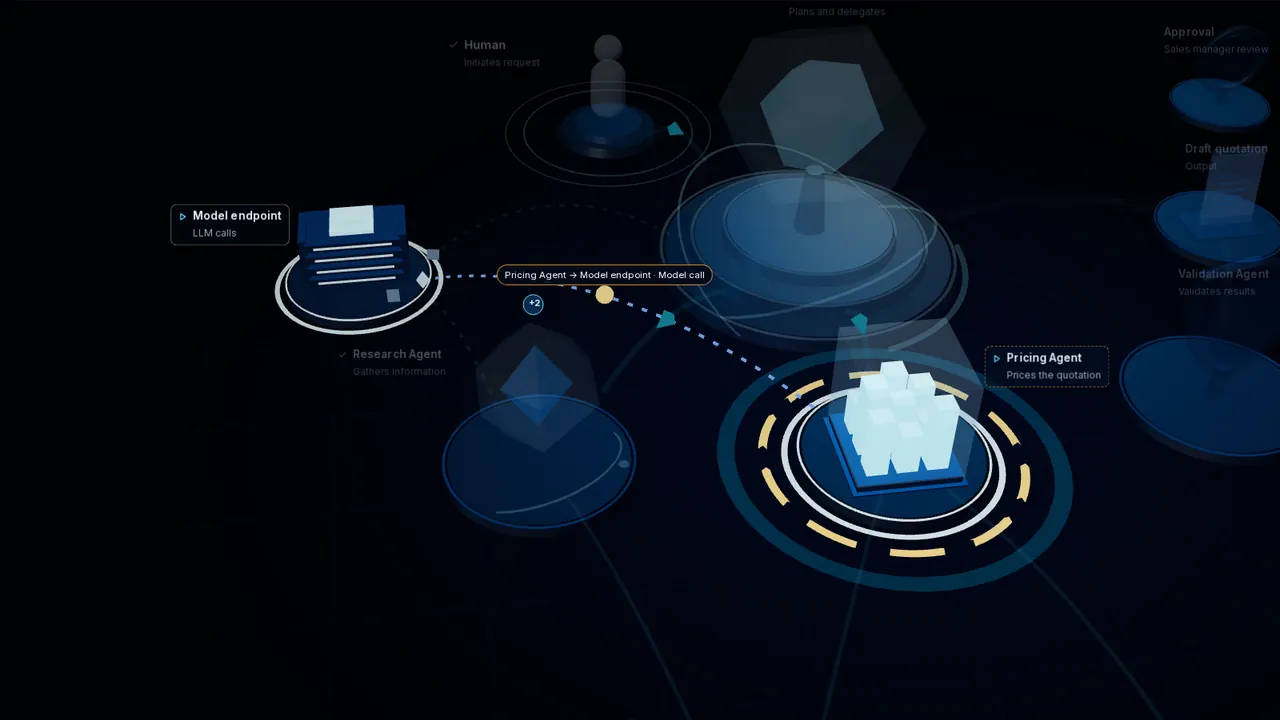
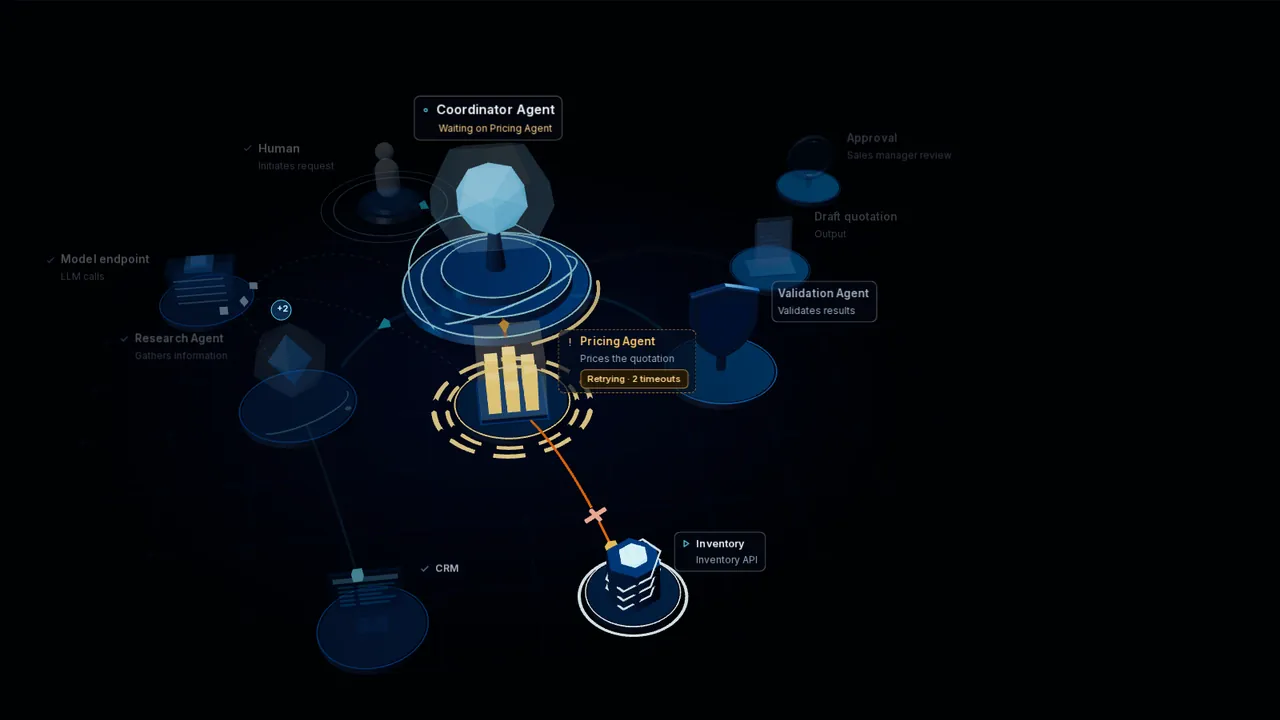
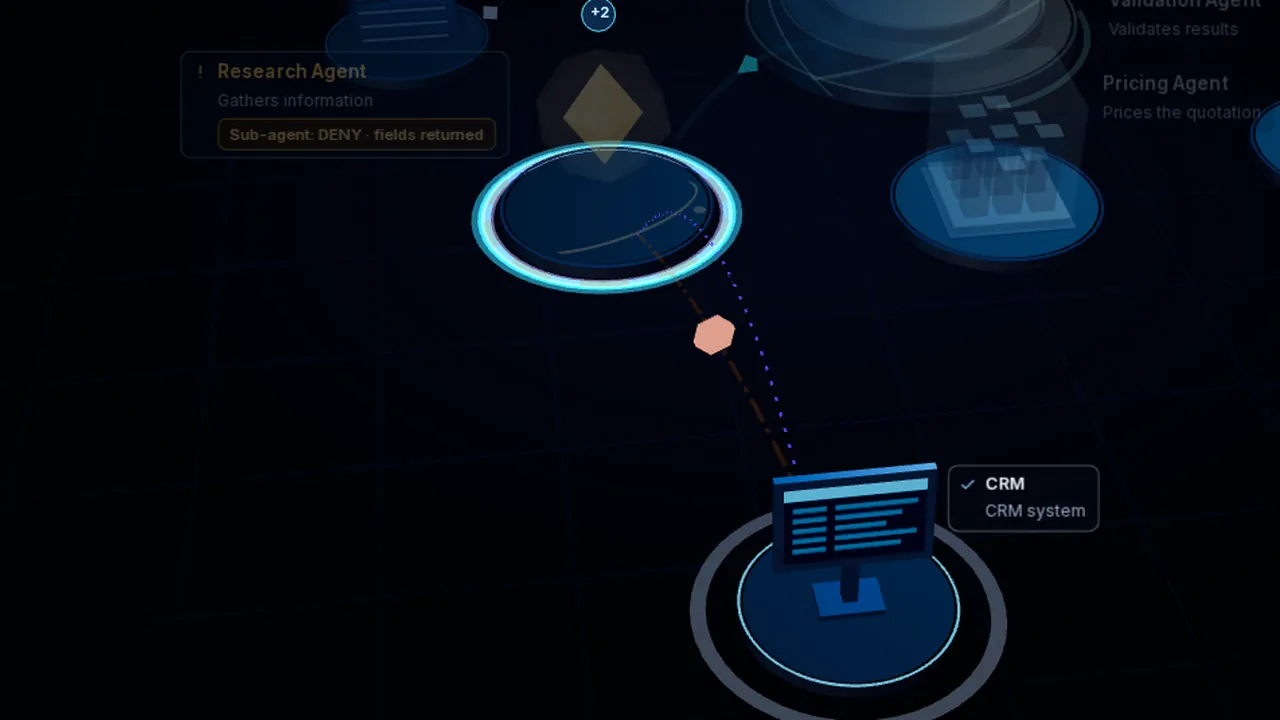
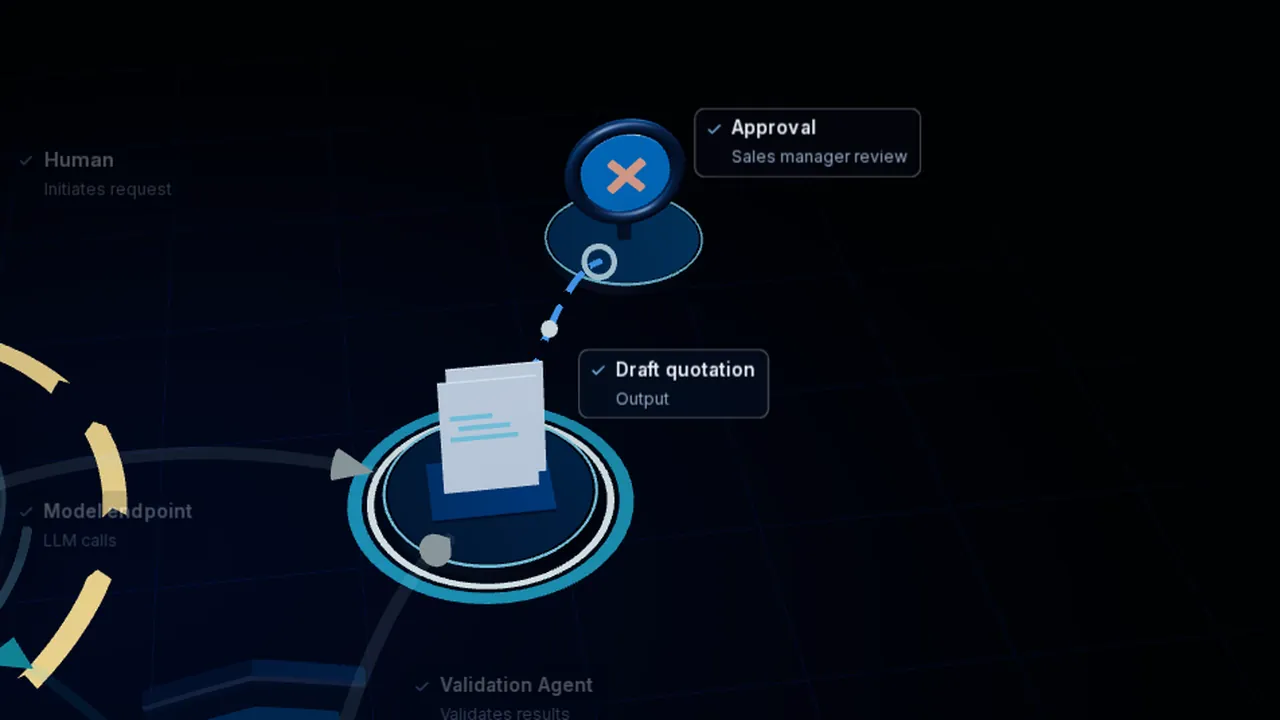
The animation beside this text shows a fictional mission as a 3D topology: a person submits a request to a Coordinator Agent, which branches the work into Research, Pricing and Validation agents that call a model endpoint, a browser, a CRM and an inventory API. The Pricing Agent repeats the search and datasheet summaries the Web Research agent already ran, and every model call carries a large context, so the simulated cost keeps climbing. Imperium captures the Pricing Agent’s model request with its token usage and cost; Observatory correlates it with the earlier calls and traces the cost back to the repeated work. The same mission can be investigated step by step in the lab below, in the “Where did the AI budget go?” scenario, one of four investigations there: cost, latency, policy and outcome.
TRACSTON / AFPM LAB Interactive simulation
0 agents0 tool calls$0.000 model cost0 issues
The same events the graph draws, as text. Only events that have happened by the current time are listed. Keyboard: Space plays or pauses, comma and period step between events, F fits the graph, R resets the view, Esc clears the selection.
| Time | Event | Source | Actor | What | Status |
|---|
Imperium captures and governs.Observatory correlates and explains.
AFPM Library
A reference for investigating AI missions: standalone labs to run, case files that start from the business request, and the technical evidence behind each case.
01 · Interactive Labs
Separate from the four scenarios in the main lab: each lab is a guided investigation on its own page. Watch the baseline, change one control, replay, and compare both runs.
Model spend climbs while the quotation stops moving.
An inventory tool times out and the whole quotation waits.
The policy says DENY. The tool returns the fields anyway.
Every agent is green. The approver rejects the quotation.
02 · Case Files & Stories
Each case starts with what someone asked for, shows what went wrong, and names the evidence that explains it, and who supplied it.
Lab caseFictional simulationCost
Model spend climbs while the quotation stops moving.
“Prepare a quotation for Northwind Labs: 40 × XR-200 sensors, delivery in March, under our framework agreement. Submit the draft for approval.”
d.levi (Sales), identity as reported · mission MSN-30101
Research fetched the customer’s RFQ and framework agreement and summarized them for the quotation. Pricing was then told to read the same documents itself: it fetched them again and sent all 41.8k tokens to the model a second time. For those 3.4 s the quotation did not move from “Context ready”.
Replay with Research’s summary handed to Pricing: model cost $0.41 → $0.25, elapsed 23.6 s → 20.0 s, the same five validation checks pass and the quotation is approved.
Run Lab 01Inspect the evidenceMain lab: Where did the AI budget go?
Lab caseFictional simulationLatency
An inventory tool times out and the whole quotation waits.
“Prepare a quotation for Northwind Labs: 40 × XR-200 sensors, delivery in March. Confirm stock before you submit.”
d.levi (Sales), identity as reported · mission MSN-30102
The inventory API stopped answering. Pricing sent the same request 5 times; the first 4 each timed out after 6.0 s, and between attempts Pricing asked the model what to do and was told to retry. Research had finished at 6.4 s; validation, the draft and the approval all waited for stock.
Replay with one attempt and a permitted fallback: the live read-only replica meets the stock requirement (48.8 s → 20.2 s, approved). The 26-hour stock cache is faster still (16.0 s) but fails the live-stock requirement, so the draft is blocked.
Lab caseFictional simulationPolicy
The policy says DENY. The tool returns the fields anyway.
“Prepare a renewal quotation for Northwind Labs: renew the XR-200 sensor contract for another year at the framework terms. Submit the draft for approval.”
svc-sales-automation, shared service account · initiator unverified
A CRM Lookup child agent asks for the customer record including tax_id and credit_limit. Imperium records the policy decision DENY: those fields are restricted to finance roles. But the child agent’s connector calls the CRM directly, not through the enforcing gateway. No enforcement is recorded, the CRM answers 200 OK, and the response carries both restricted fields.
Replay with the denial enforced at the tool boundary: the connector routes through the enforcing gateway, which removes both fields and records it. Restricted fields returned: 2 → 0; the renewal is approved in both runs. The person behind the shared account stays unverified in both: enforcement does not answer who asked.
Lab caseFictional simulationOutcome
Every agent is green. The approver rejects the quotation.
“Prepare a quotation for Northwind Labs: 40 × XR-200 sensors, delivery in March. Submit the draft for approval.”
d.levi (Sales), identity as reported
Every agent finishes and every service answers 200 OK. Validation passes, but it checks schema, totals, currency and terms, not inventory confirmation. The stock figure came from a 26-hour-old cache with no reservation. The approver rejects the draft: “No stock confirmation for XR-200. Cannot send.”
Replay with inventory confirmation required before submission: validation fails the first draft, Pricing confirms live stock and reserves 40 units, and the approver approves. It takes longer (13.5 s → 19.3 s) and delivers a quotation the business can send.
StoryIllustrative scenarioCost
A deployment succeeds. The failed first attempt and the rebuild never show up in what it cost.
“Deploy the service and report back when the checks pass.”
From the Insights article “The Agent Finished the Job. Nobody Knows What It Cost.”
The deployment succeeds and every check passes. One line in the summary says the first virtual machine failed, so the agent deleted it and built another. Rebuilding may have been the right call. But nobody can say what the failed attempt, the rework and the waiting added to a result reported as a success.
No figures: the article frames the question. Lab 01 and Lab 02 show the same pattern measured in a simulated mission.
03 · Technical Examples
The records behind each case, field by field. Numbered fields are the ones that matter; the notes say what each one tells us. All figures are simulated.
CostLab 01 · simulated figures
Research’s summary call and Pricing’s extraction call, side by side, as Imperium recorded them.
= same document hash= 41,800 input tokens each+6.9 s later, after the summary was ready
Imperium captured or governed both requests, attributed to agent, with usage, cost and the input’s content hash. Imperium does not yet record the mission id.
Observatory correlated and explained the matching hash and the timing into a duplicate-call finding, and the cost it added.
LatencyLab 02 · simulated figures
Every inventory attempt Pricing made, with the re-plan call between attempts, on one timeline.
| Attempt | Start | Duration | Status | request.key | request.hash | Next step (model) |
|---|---|---|---|---|---|---|
| 1 | 00:03.6 | 6.0 s | 504 timeout | idem-7f31c2 | sha256:52be…0c19 | Retry the same request. |
| 2 | 00:11.7 | 6.0 s | 504 timeout | idem-7f31c2 | sha256:52be…0c19 | Retry the same request. |
| 3 | 00:20.2 | 6.0 s | 504 timeout | idem-7f31c2 | sha256:52be…0c19 | Retry the same request. |
| 4 | 00:28.9 | 6.0 s | 504 timeout | idem-7f31c2 | sha256:52be…0c19 | Retry the same request. |
| 5 | 00:37.6 | 2.4 s | 200 OK | idem-7f31c2 | sha256:52be…0c19 | Stock confirmed |
Imperium captured or governed each attempt with its agent, mission, attempt number, idempotency key and payload hash, and the re-plan calls between them.
Observatory correlated and explained the attempts into one retry loop, and the loop onto the mission’s critical path.
PolicyLab 03 · simulated figures
The policy decision, the enforcement record and what the CRM returned, as three separate records.
In the main lab’s Sensitive data scenario the CRM’s field list is not recorded, so Observatory can say only that a denied request reached the CRM. In Lab 03 the response is captured at the connector, which makes the overlap visible.
Imperium captured or governed the decision, the missing enforcement record and the response’s field list.
Observatory correlated and explained the three records into one finding, without treating the decision as proof that the request was stopped.
OutcomeLab 04 · simulated figures
What validation checked, what the inventory tool actually returned, and what the approver decided.
Imperium captured or governed the checks validation ran and skipped, the tool’s real answer and the approval decision.
Observatory correlated and explained a validation coverage gap and a business outcome not achieved, despite a completed mission.
From Insights
Articles from Tracston Insights on the questions these investigations raise.
Read Insights: all AI Flow & Performance Monitoring (AFPM) articles AFPM definition in the Tracston Glossary →
How it works
In Tracston’s AI Flow & Performance Monitoring (AFPM) solution, Imperium captures AI activity and its governance context. Observatory uses that telemetry to correlate events, investigate execution, and explain performance, cost, and outcomes.
Step 1 · Capture
Imperium records each AI request as it happens.
Step 2 · Explain
Observatory receives that telemetry and correlates the events. Joining them into missions and steps is in development.
Agents call their tools and models directly. Observatory receives telemetry about that work. It does not run the mission or route its calls.
The AI investigation shown here relies on the telemetry Imperium supplies. Without it, Observatory still sees infrastructure signals, such as an HTTP 504, but not which agent, mission or policy they belong to.
Try the AI telemetry switch in the lab to compare.
This page covers the AI side of AFPM. Observatory’s broader infrastructure monitoring is a separate capability, described on the Observatory page.
Cost accountability
MissionFlow records every model call a mission makes with its mission, step, tokens and cost. Imperium attributes each call it routes to a user and an agent, with its tokens and cost; attributing other agents’ calls to missions and steps is in development. Spend stops being one account total on an invoice.
Repeated searches, duplicate summaries and oversized context show up as patterns across calls. Each finding cites the events behind it, so the cause can be checked.
Cost is read next to what the mission delivered and whether it was approved. Controls that cut waste can then be compared against the same result.
Real product screenshots
These captures of the actual Imperium and Observatory interfaces substantiate the capabilities above: attributing spend, finding its cause and judging the result. Unlike the lab, they show the real products, with demonstration data.
See Imperium and Observatory working together on your agents, models and tools.